Write at the speed of thought.

Speak naturally. VibeType turns rough thoughts into polished writing in any app - without sending your voice to the cloud.

Mail
Launch follow-upDraft
Stays privateVoice stays on your devicePay onceLifetime option availableLearns your wordsNames and terms improve over time

Private. Paid once. Personal.

Everything that makes voice typing useful - without giving up privacy, paying forever, or teaching the same words twice.

01

Stays private.

Your voice and writing are processed on your device, not sent to someone else.

You speak
VibeType works privately
Your words appear

Model downloads, licensing, purchases, and software updates may use the internet. Your dictation does not.

03

Learns with you.

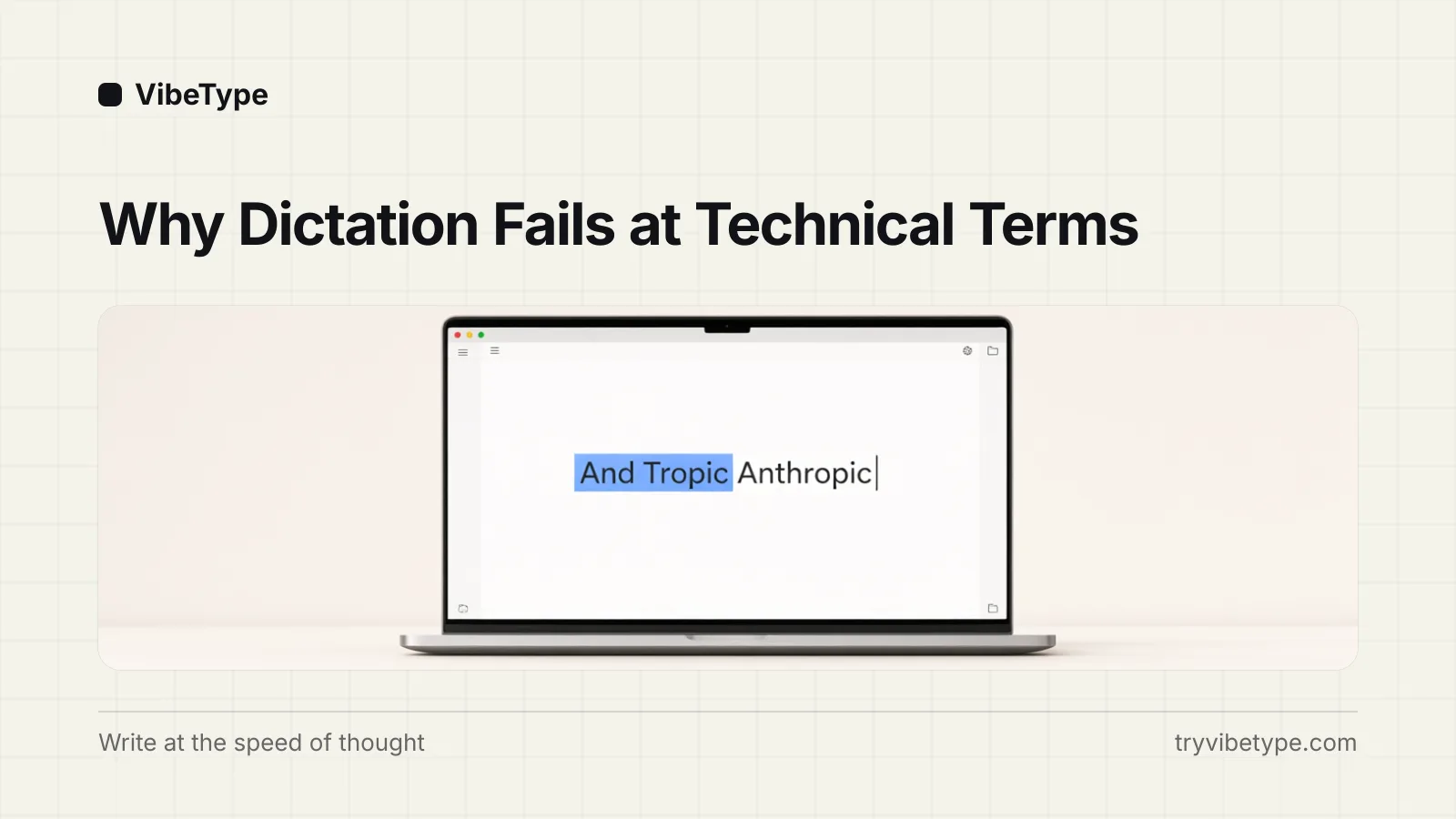
Correct a name or technical term once. VibeType remembers it next time.

HeardAnd Tropic
CorrectedAnthropic
Dictionary Learned

Talk naturally. Sound polished.

Pause, restart, or correct yourself. VibeType turns the messy version into the message you meant.

What you said
Hey Sarah, uh, quick update - we're moving the launch to Thursday. No, actually Friday morning. Can you update the team?
MailLaunch follow-up

Hi Sarah,

Quick update: we’re moving the launch to Friday morning. Can you update the team?

Ready when you are.

Install VibeType, grant access, and start writing with your voice in minutes.

01

Download VibeType

Open the installer and move VibeType to Applications.

02

Allow access

Allow microphone and typing access so VibeType can work wherever you write.

03

Start speaking

Place your cursor anywhere, hold right Option, speak, and release.

Apple Silicon · macOS 13+ · 30-day free trial

Read setup questions

Questions, answered.

01Which platforms do you support?

We are currently live on macOS, but will be rolling out soon to Windows, iPhone, and Android devices.

02Does it work offline? Do I need an internet connection?

Yes, Vibetype works completely offline. After a quick initial download, it never requires an internet connection for transcription. You can dictate anywhere - even on an airplane - and your audio data is never sent to any servers.

03What are the pricing options?

We offer both Annual and Lifetime plans. See the pricing page for more details.

04Which languages does it support?

Vibetype supports over 100 languages, allowing you to dictate naturally in your preferred language.

05Does Vibetype access my clipboard?

Briefly, to insert text. Vibetype saves your clipboard contents before pasting, then restores them immediately after. Your clipboard is never read for any other purpose.

06Why use Vibetype instead of Apple Dictation?

Apple Dictation works well for basic use, but processes audio on Apple's servers. Vibetype runs entirely on-device, works in any app without enabling dictation in system settings, and offers features like transcript history and custom vocabulary - all without an internet connection.

07Why use Vibetype instead of cloud dictation tools?

Cloud dictation tools typically require constant internet connections and send your audio to remote servers for processing. Vibetype processes everything locally on your device - no internet required and no audio uploads. Your voice data never leaves your device.

08Is local transcription accurate enough?

Yes. Vibetype uses advanced AI models that deliver incredibly accurate transcription for everyday speech, technical terms, and complex content. It easily rivals leading cloud services, while keeping all processing securely on your device.

09How much memory does it use?

The app itself is very lightweight and runs quietly in the background with minimal resource usage. During active dictation, it uses between 600 MB and 1.7 GB of memory (RAM) depending on the mode you use to process your speech instantly on your device.

Ready to write with your voice?

Download for macOSVibe, don’t type.